Privacy-Focused Alternatives to Google Analytics

Privacy-Focused Alternatives to Google Analytics
Icon provided by the unDraw project, created by @NinaLimpi

Introduction

A full catalog and review of some analytics tools, that are a more privacy-focused alternative to Google Analytics. The tools are divided into the following categories:

  • Free Cloud-Hosted
  • Free Self-Hosted
  • Paid (Cloud or Self Hosted)

All the chosen tools should have the following characteristics:

  • Privacy Focused (No IP logging, Fingerprinting, Tracking, etc)
  • GDPR compliant
  • Open Source (Preferably but not hard criteria)
  • Offer good statistics
  • User-friendly interface (UI/UX)

Reasons for choosing an alternative

It was a struggle for me to find and choose a different analytics service, but I knew I had to do it if I want to be more respectful of the people that visit my website and try to create a more private and secure internet. The state of the internet is not gonna change from our small websites, but I believe it is important if there is a more private choice available, we do not have a reason to ignore it.
Read more →

SUI Configure

SUI Configure
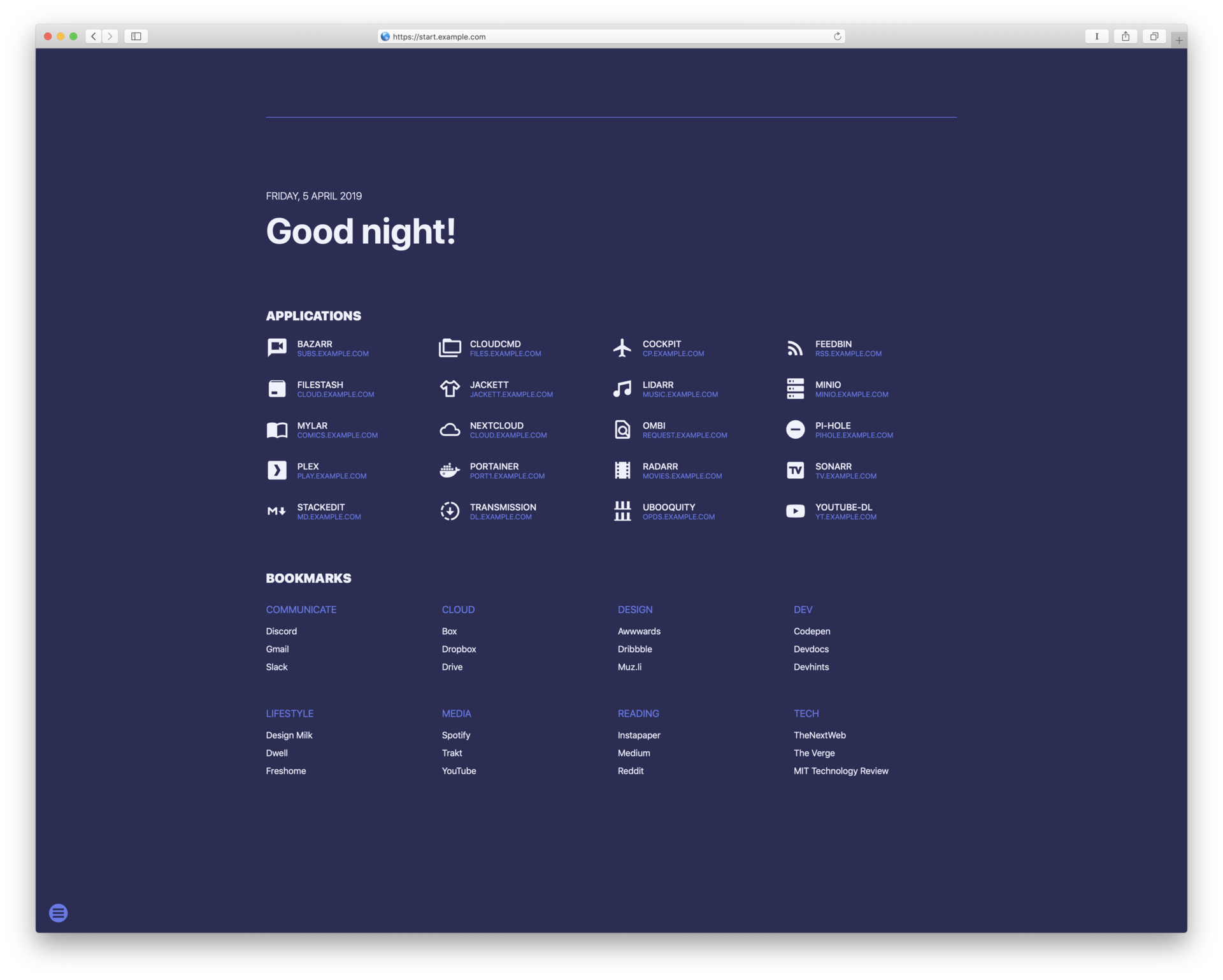
Screenshot of SUI dashboard by Jeroen Pardon licensed under The Unlicense.

SUI is a startpage for your server and / or new tab page. It offers some similar functionalities as Homer.

We can use this app in order to have a homepage for all our services, apps and links of our server into one place, and edit only some json files for the content.

This guide assumes, that Docker and Docker Compose is already installed in your system.

Run Using Docker

Clone the repository in your system and navigate into it:

Read more →

A simple URL shortener RESTful API written in Go

A simple URL shortener RESTful API written in Go
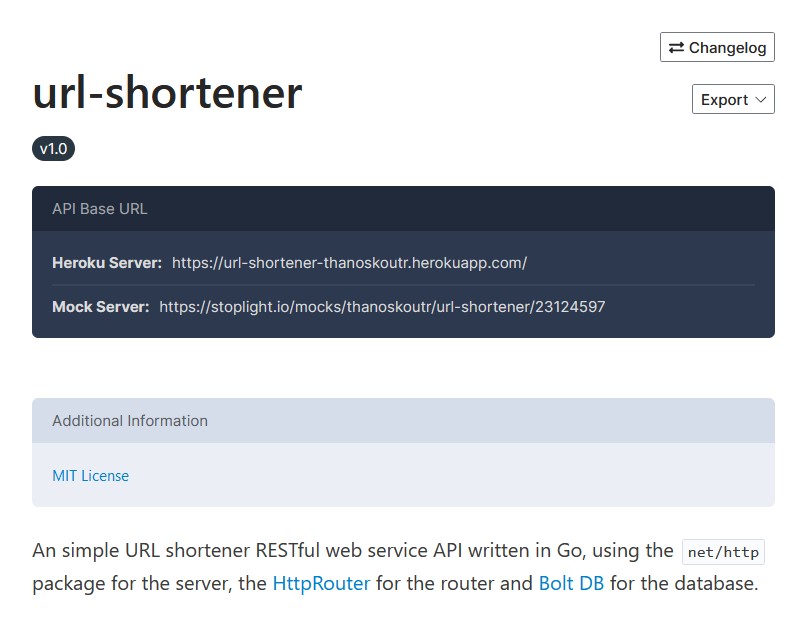
A screenshot of the API docs of the url shortener.

About

An simple URL shortener RESTful web service API written in Go, using the net/http package for the server, the HttpRouter for the router and Bolt DB for the database.

The Stoplight service was used to design and document the REST API. See below for the API Documentation

The API service is deployed on Heroku, and you can access it on url-shortener-thanoskoutr.herokuapp.com.

Because the Heroku Free plan is no longer available from November 28, 2022, the above link does not work. I wish to deploy the API in a Heroku free alternative service in the future.

Read more →

HTTPS & SSL Certificate & Certbot

HTTPS & SSL Certificate & Certbot
Original Certbot logo is licensed under CC-BY.

In this post we will see, how we can get an SSL certificate for our Apache or Nginx server with Certbot from Let’s Encrypt.

Prerequisites

  • An Ubuntu or Debian server (tested on Ubuntu 18.04 and Debian 10) that you have SSH access and root or sudo privileges.

    You can follow the SSH Server & UFW Configure guide to set up SSH best practices and configure a basic firewall.

Read more →

Nginx Install

Nginx Install
NGINX and the NGINX logo re trademarks of F5 Networks, Inc. in the U.S. and in certain other countries.

In this post we will see how we can install the Nginx web server in our Ubuntu server, and how to configure it to serve some files.

If you have already a web server installed, like Apache, you either have to uninstall it or change the default port that is listening because it will conflict with Nginx.

Install Nginx

We install nginx and any required dependencies:

sudo apt install nginx

Adjusting the Firewall

After you have followed the initial server setup and enabled the UFW firewall, make sure that your firewall allows HTTP and HTTPS traffic. You can check that UFW has an application profile for Nginx like so:

Read more →

Node-RED Install

Node-RED Install
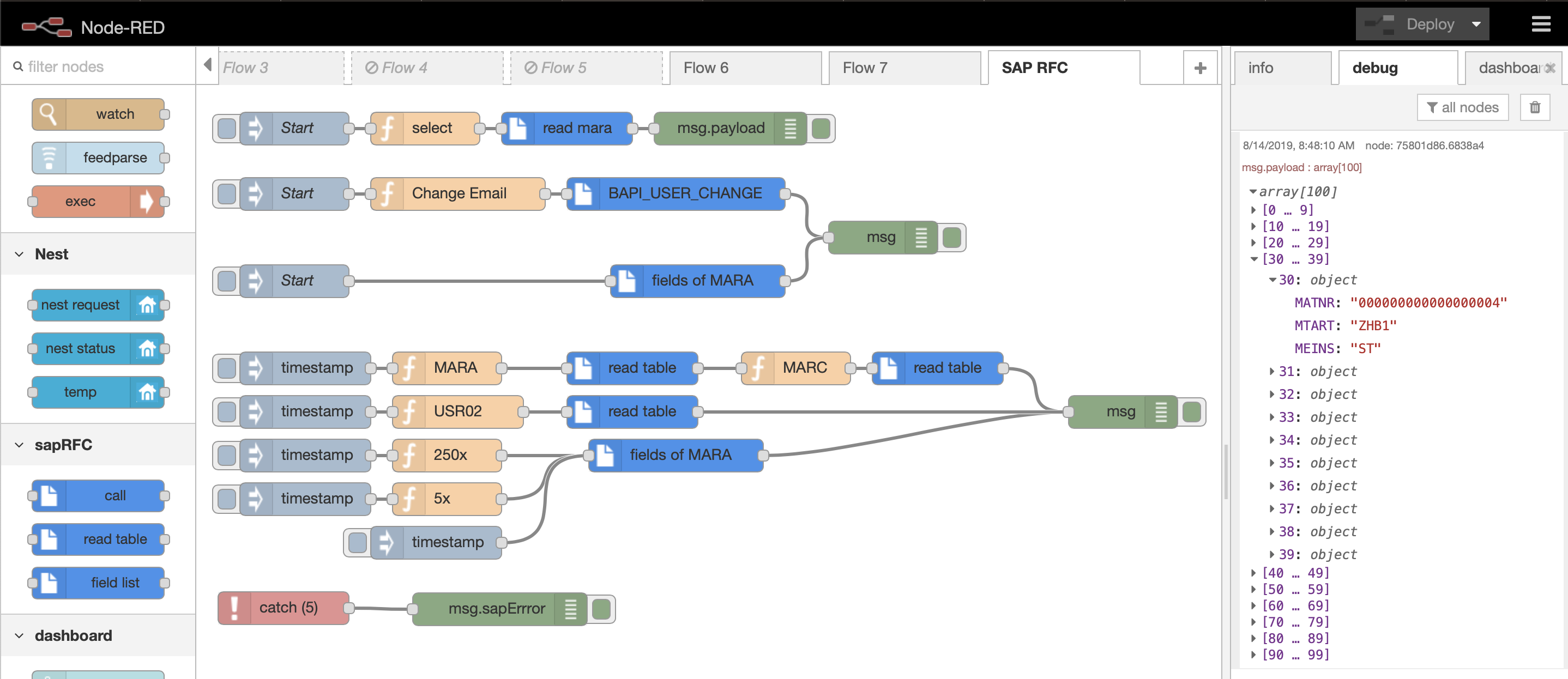
Example flow by Paul Wieland on Node-RED flows page.

In this post, we will see how we can run Node-RED using Docker Containers on our Ubuntu Server. Node-RED is a flow-based development tool for visual programming, for wiring together hardware devices, APIs and online services as part of the Internet of Things.

The light-weight runtime is built on Node.js, taking full advantage of its event-driven, non-blocking model. The flows created in Node-RED are stored using JSON which can be easily imported and exported for sharing with others.

Read more →

Grafana Configure

Grafana Configure
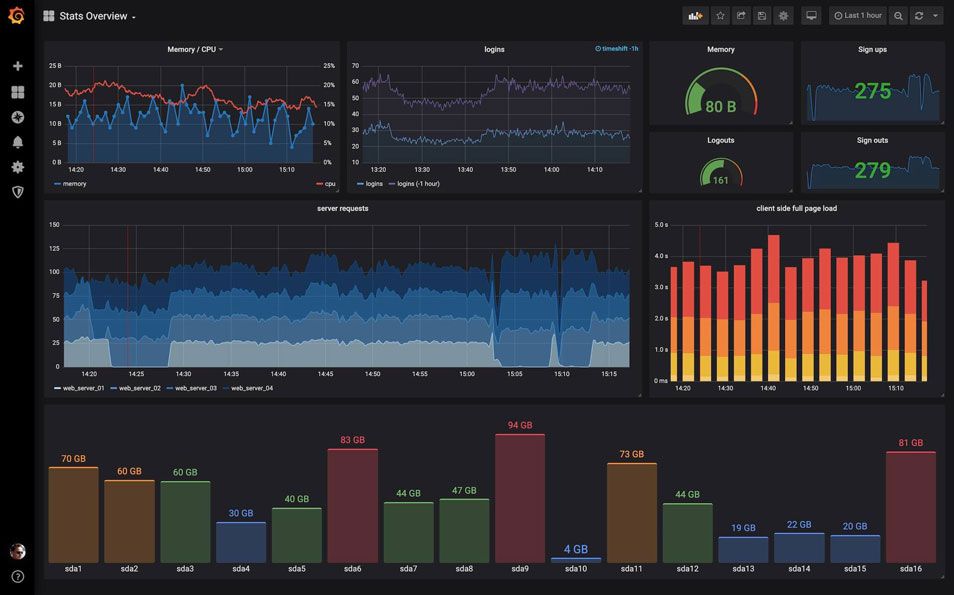
Screenshot of a Grafana Dashboard. The Grafana Labs Marks are trademarks of Grafana Labs, and are used with Grafana Labs’ permission. We are not affiliated with, endorsed or sponsored by Grafana Labs or its affiliates.

In this post, we will see how we can install Grafana in our Ubuntu Server. Grafana is an open-source data visualization and monitoring tool that can easily be integrated with other tools.

We will install Grafana in our server as a service and not in a container.

We have more than one way to install Grafana:

  • By downloading the Linux binary
  • By downloading and installing the .deb package
  • By installing from the official repository

We will show the last method, because we don’t have to manually update the package ourselves.

Read more →

InfluxDB Configure

InfluxDB Configure
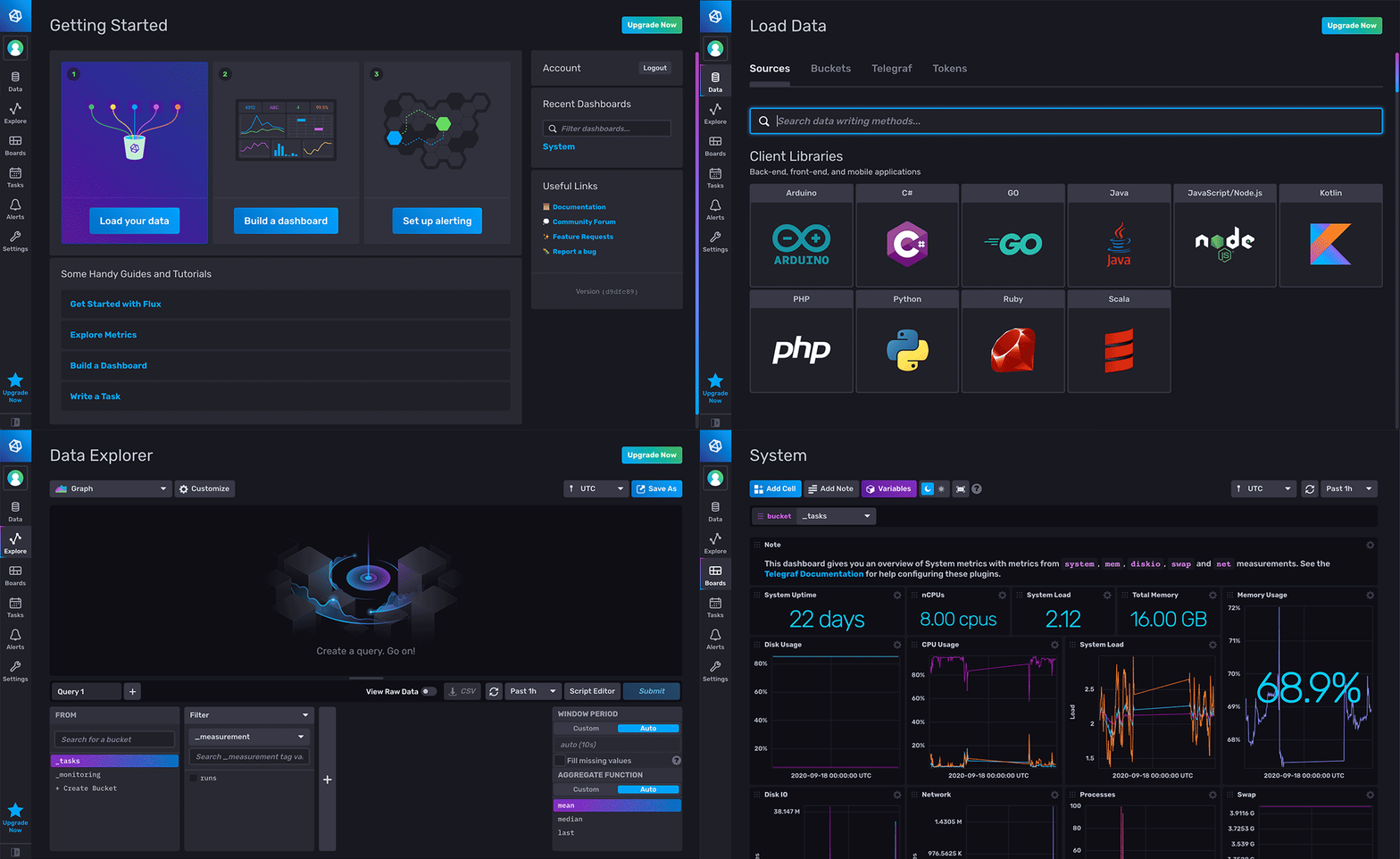
Screenshot of InfluxDB dashboard. InfluxDB® is a trademark registered by InfluxData, which is not affiliated with, and does not endorse, this site.

In this post, we will see how we can install the latest version of InfluxDB (ver 2.0) in our Ubuntu Server. With the new version there’s only one thing to download and install and we can avoid installing the TICK Stack (Telegraf, InfluxDB, Chronograf, Kapacitor).

The new version is not a simple time-series database anymore, but also a platform for querying, visualization and data manipulation.

We have more than one way to install InfluxDB 2.0:

Read more →

Homer Configure

Homer Configure
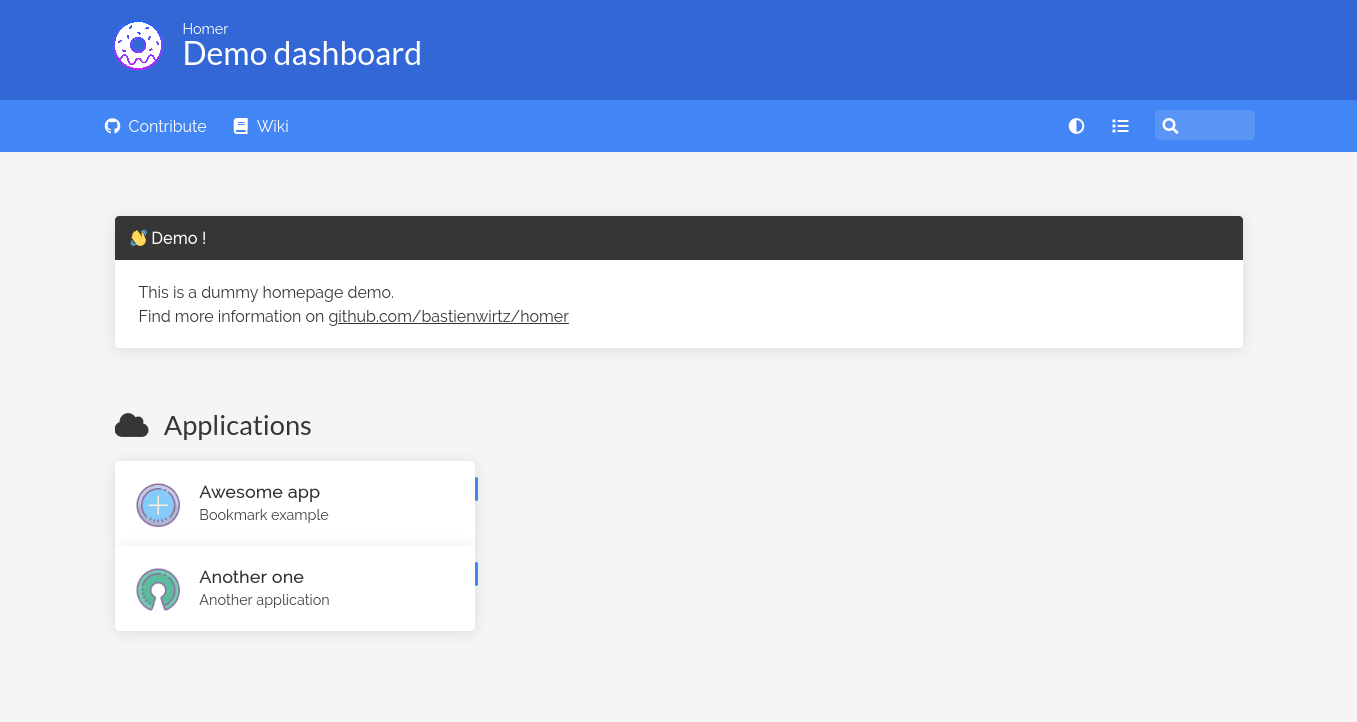
Screenshot of Homer dashboard by Bastien Wirtz licensed under Apache-2.0.

Homer is a dead simple static HOMepage for your servER to keep your services on hand, from a simple yaml configuration file.

We can use this app in order to have a homepage for all our services, apps and links of our server into one place, and edit only one yaml file.

In order to run the app we need Docker installed in our system, as it is going to be run as a container. We will also need Docker Compose if we are going to use Compose to start and stop the container.

Read more →

Hugo Site Configure

Hugo Site Configure
The Hugo logos are copyright © Steve Francia 2013–2021.

In this post, we will see how we can create and configure our Hugo blog to our needs. This guide assumes, that Hugo is already installed in your system.

We will use a certain theme as an example, but the same principles apply to almost every theme.

We must also note that Hugo is somewhat tied to the theme you have, so if you want to change it, some changes will need to be made, mostly on the top config file, and less on the markdown content.

Read more →

Hugo Install

Hugo Install
The Hugo logos are copyright © Steve Francia 2013–2021.

In this post, we will see how we can install Hugo on our Ubuntu (or any Debian based) system.

Hugo is a very popular open-source static site generator (SSG) that is build with Go. It is mainly known for its speed and flexibility.

Hugo can be used by experienced Front-End developers that can create their custom themes with the Hugo templating system, but can also be used by novice users that want to create their own webpage with little to none knowledge. This is possible thanks to the large collection of Themes that Hugo developers have contributed.

Read more →

Building a DSL Info Bot with Selenium and Plotly

Building a DSL Info Bot with Selenium and Plotly
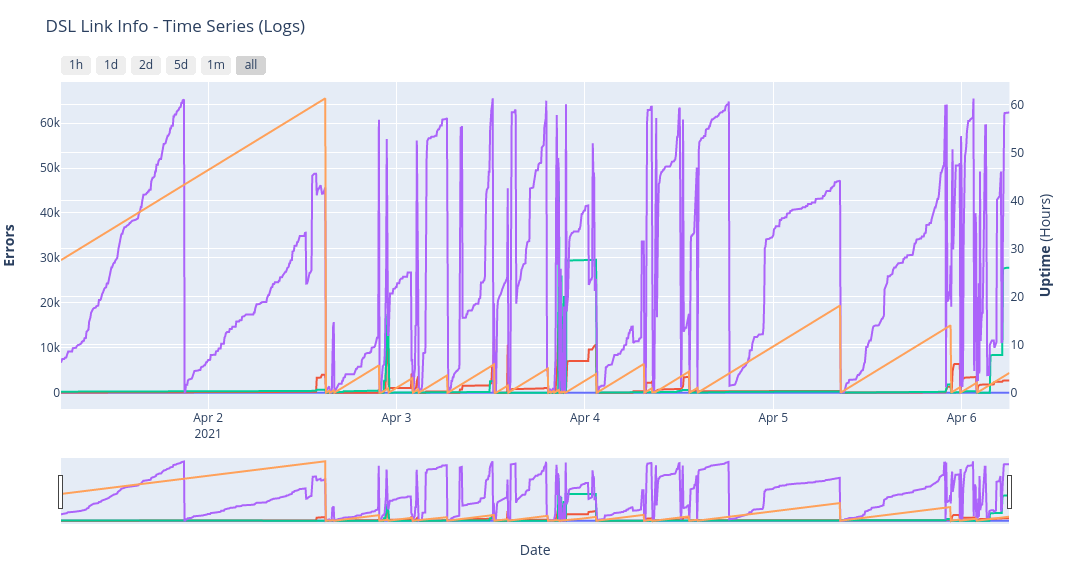
A screenshot of the time series generated plot from the DSL link info over time.

About

A python bot, that uses Selenium, in order to automatically access the Router/Modem’s web-based setup page and get DSL Link info. It uses Plotly to create an interactive Plot as an HTML web page.

It also supports the export of the data to an InfluxDB Bucket for further monitoring and visualizing.

Currently gets the following info:

  • CRC Errors
  • FEC Errors
  • Showtime_start

Support for the following Routers/Modems:

  • ZTE Nova Routers (H267N, H288A, …)

The need behind this project, was to monitor my DSL Link information over time, to correlate with various internet outages or sudden internet speed issues.

Read more →

Building a full stack application for finding Movies on Streaming Platforms with the SERN stack (SQL, Express, React, Node)

Building a full stack application for finding Movies on Streaming Platforms with the SERN stack (SQL, Express, React, Node)
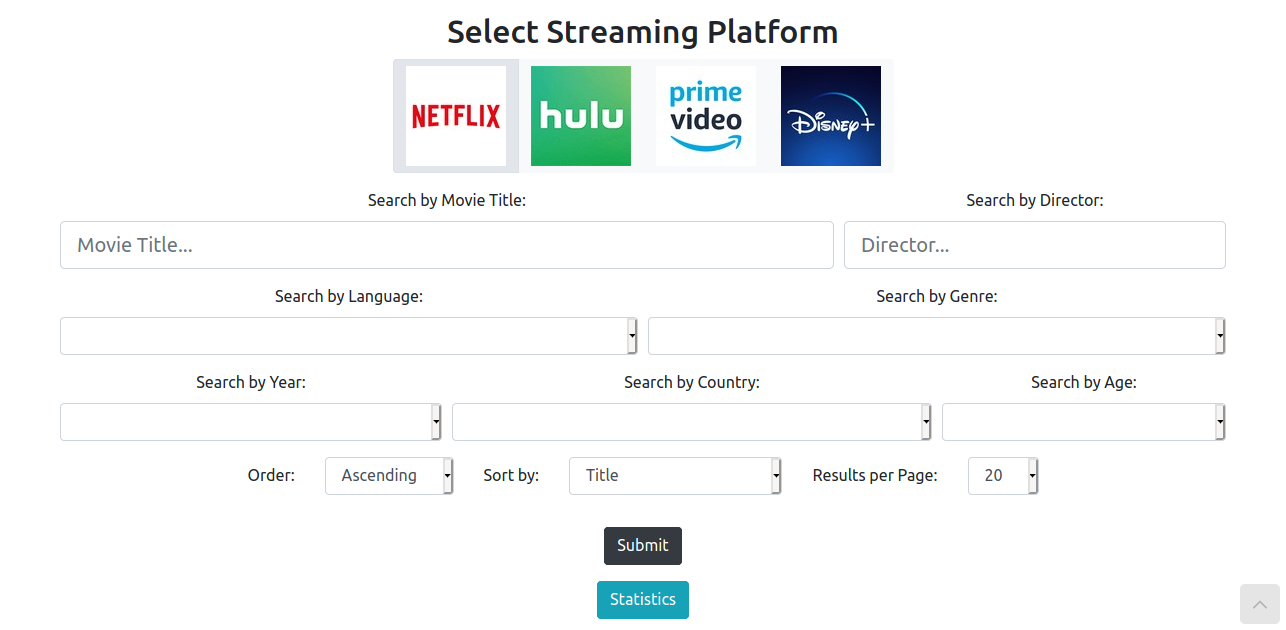
A screenshot of the full stack app, where a user can search for movies on streaming platforms.

About

The purpose of this project is to create a Web Application in which a user can search movies to watch in different streaming platforms (Netflix, Hulu, Amazon Prime, Disney+).

The user can filter the results with different criteria and choose to search on any number of the streaming platforms in order to find the desired movies. Also, some statistics are provided about the number of movies that are available on each platform in the form of a pie chart.

Read more →

Change Wordpress Port

Change Wordpress Port
Wordpress Logo

In this post we will see, how we can change the default port (port 80) of Wordpress to something else (port 1280) in order to have port 80 available for other applications to use.

To make this change we will need to change 2 main things, the Apache configuration files and some options in the MySQL database.

We are assuming that Wordpress is installed in a LAMP stack on an Ubuntu or Debian server.

Read more →

Wordpress Install

Wordpress Install
Wordpress Logo

Wordpress Installation and Configuration Guide.

Prerequisites

Create a MySQL Database and User for WordPress

Log in to a MySQL administrative account (root):

sudo mysql -u root -p

Create wordpress database:

CREATE DATABASE wordpress DEFAULT CHARACTER SET utf8 COLLATE utf8_unicode_ci;

Create exclusive user for this database:

GRANT ALL ON wordpress.* TO 'wordpressuser'@'localhost' IDENTIFIED BY 'password';

Flush the privileges so that the current instance of MySQL knows about the recent changes:

Read more →

LAMP Install

LAMP Install
The LAMP stack.

MySQL

Install MySQL

sudo apt install mysql-server

Run security script

Accept almost everything, and add secure root password:

sudo mysql_secure_installation

Change authentication method

If you don’t change the authentication method from auth_socket to mysql_native_password then anyone with a sudo user password can log in as root.

To check the authentication method, enter MySQL:

sudo mysql

And type:

SELECT user,authentication_string,plugin,host FROM mysql.user;

To configure the root account to authenticate with a password, run the following ALTER USER command. Be sure to change password to a strong password of your choosing, and note that this command will change the root password you set in the security script:

Read more →